

Configure Sign-in Mandatory To Perform Activities
To configure sign-in mandatory to perform activities for an employee, follow the steps below.
-
Go to .
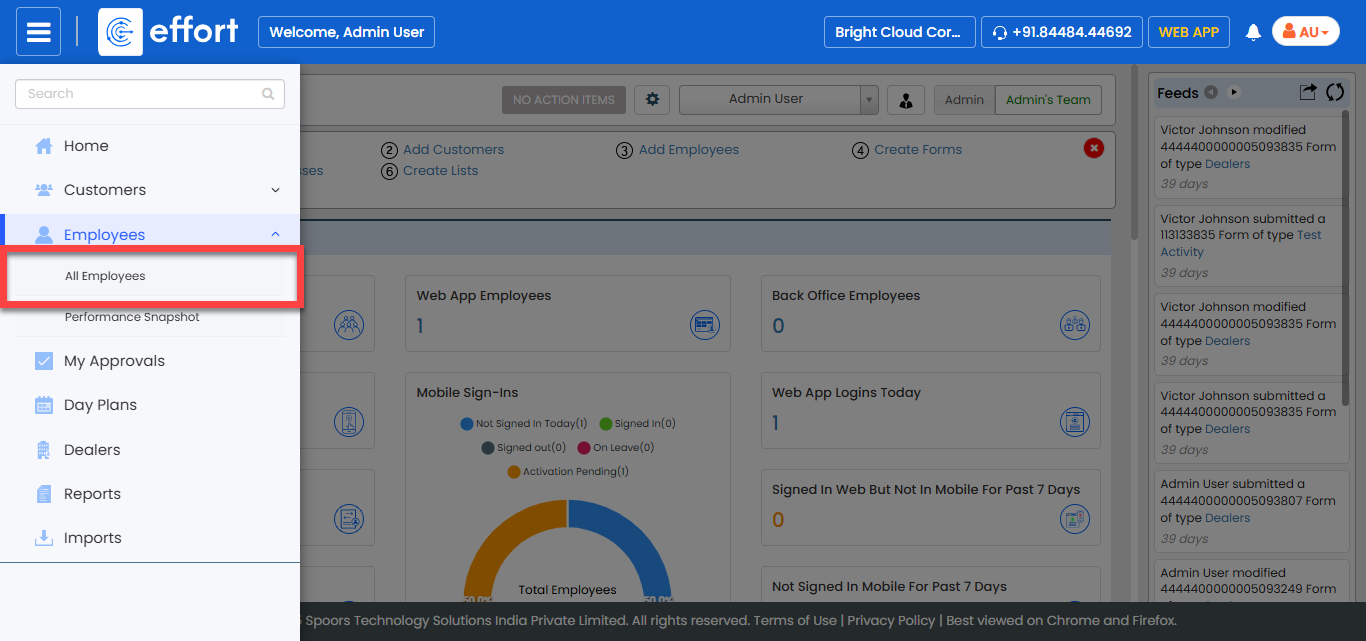
The All Employee page appears.
-
Click the Hide Metrics to view all the employees.

-
Click the Filters button and apply the filter options to
find the employee you want to edit.

-
Under the Actions column, click the edit icon.

-
Under the App Settings section, select the settings as
per your requirement.
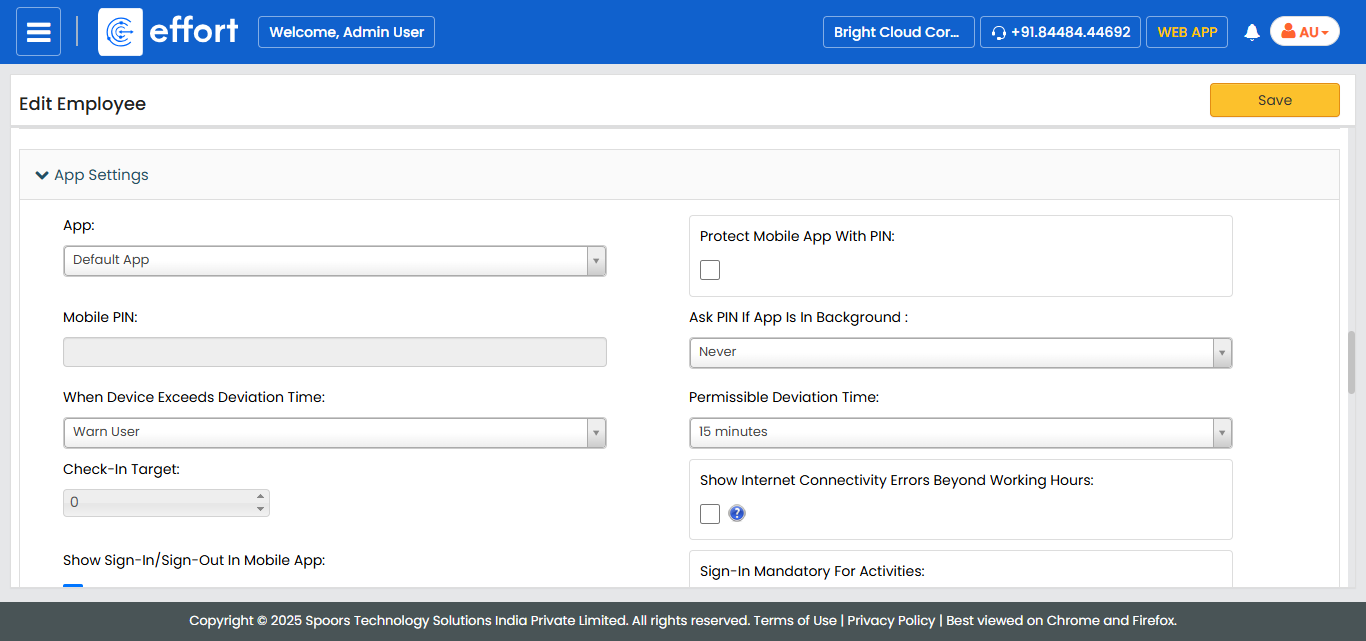
- Click Save.