

Import Employees
To import employees, follow the steps below.
-
Go to .
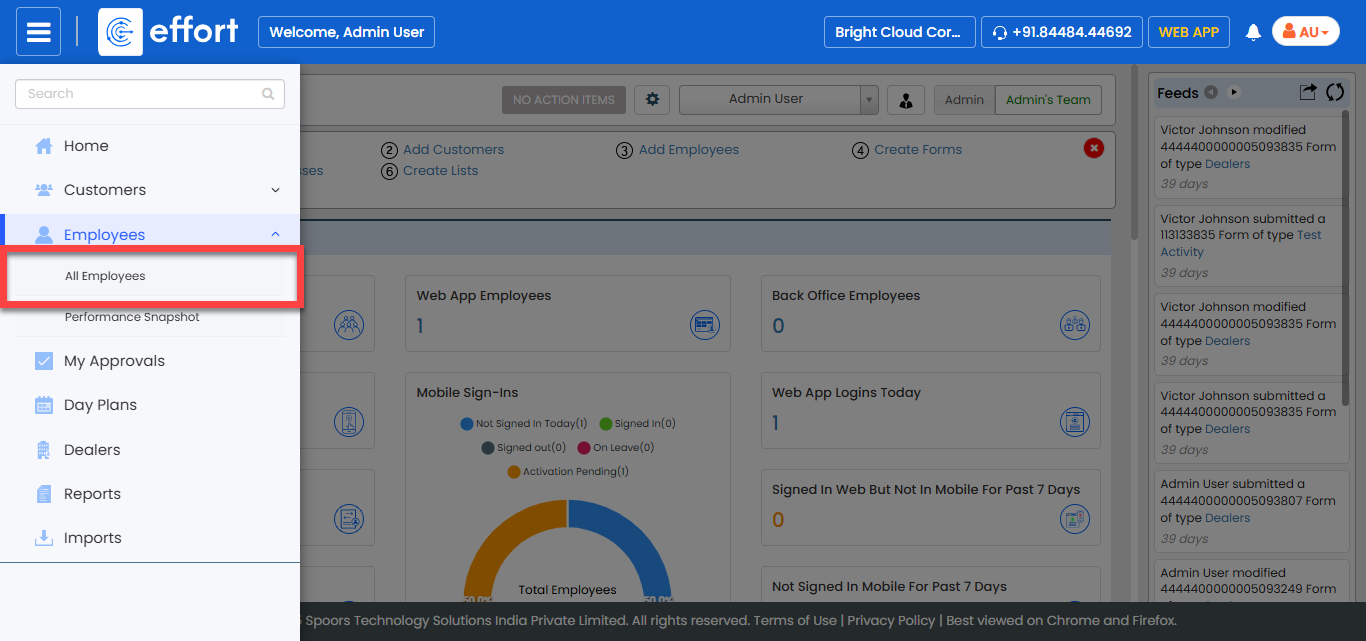
The All Employee page appears.
-
Click the Hide Metrics button to view all the
employees.

-
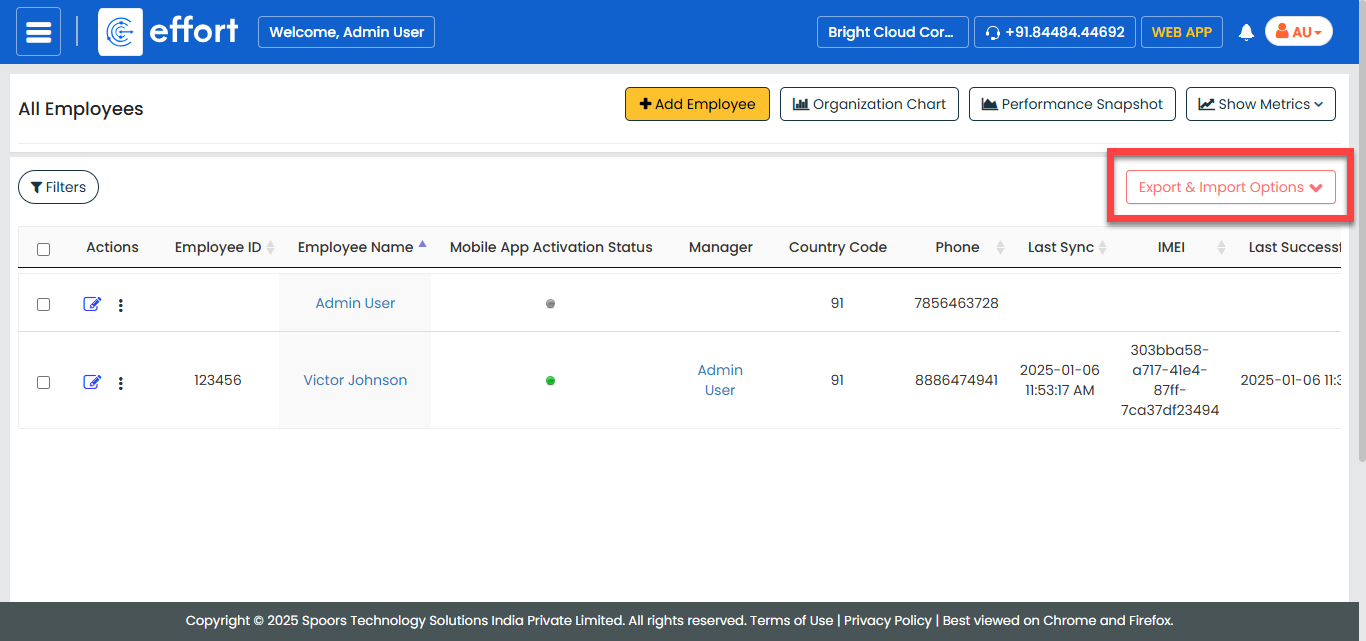
Click the Export & Import Options menu.
-
Click the Import option.
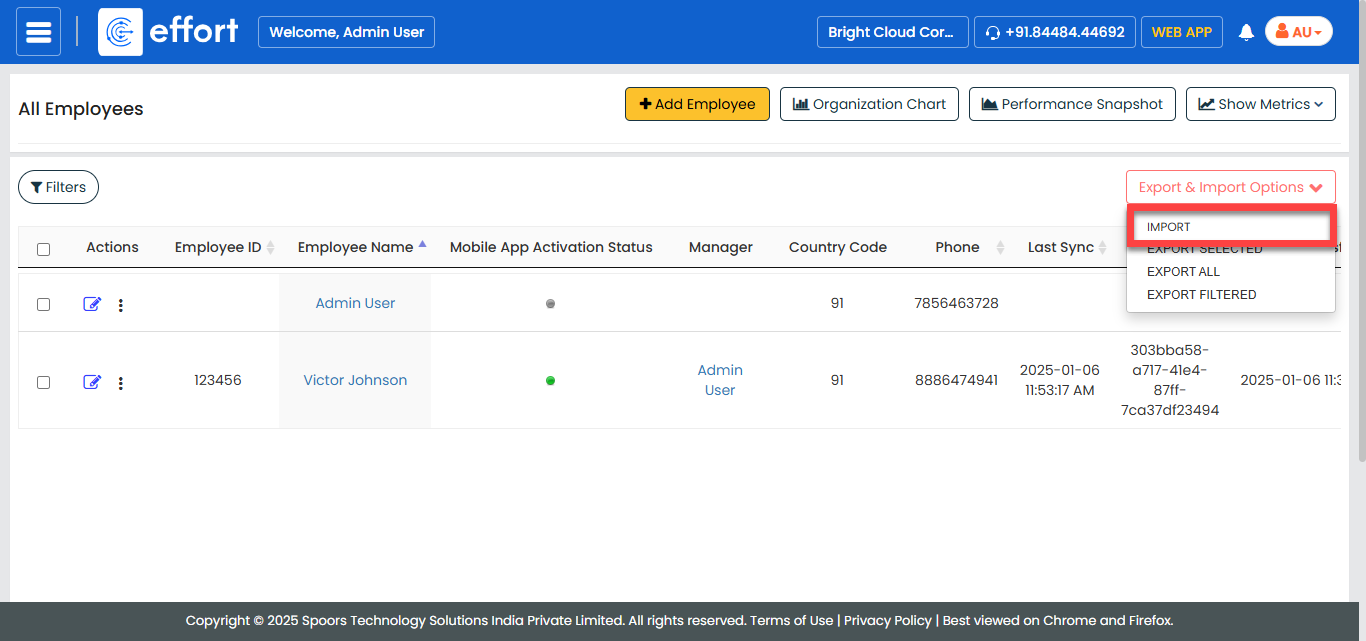
The Import Employee page appears.
-
Click the Download Template button to download the
template.
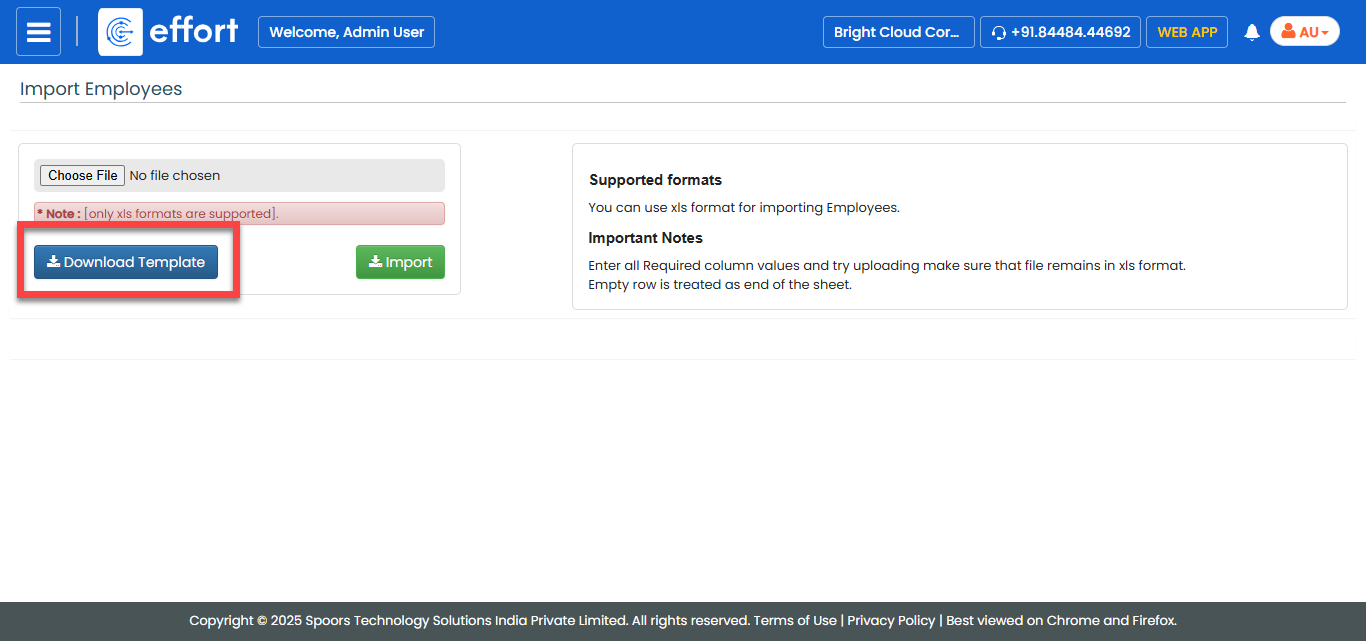
A blank excel sheet is downloaded. Refer to the instructions listed in the Supported Formats to fill the excel sheet.
-
Fill in the excel sheet.

-
On the Import Employees page, click Choose
File and upload the filled excel sheet.
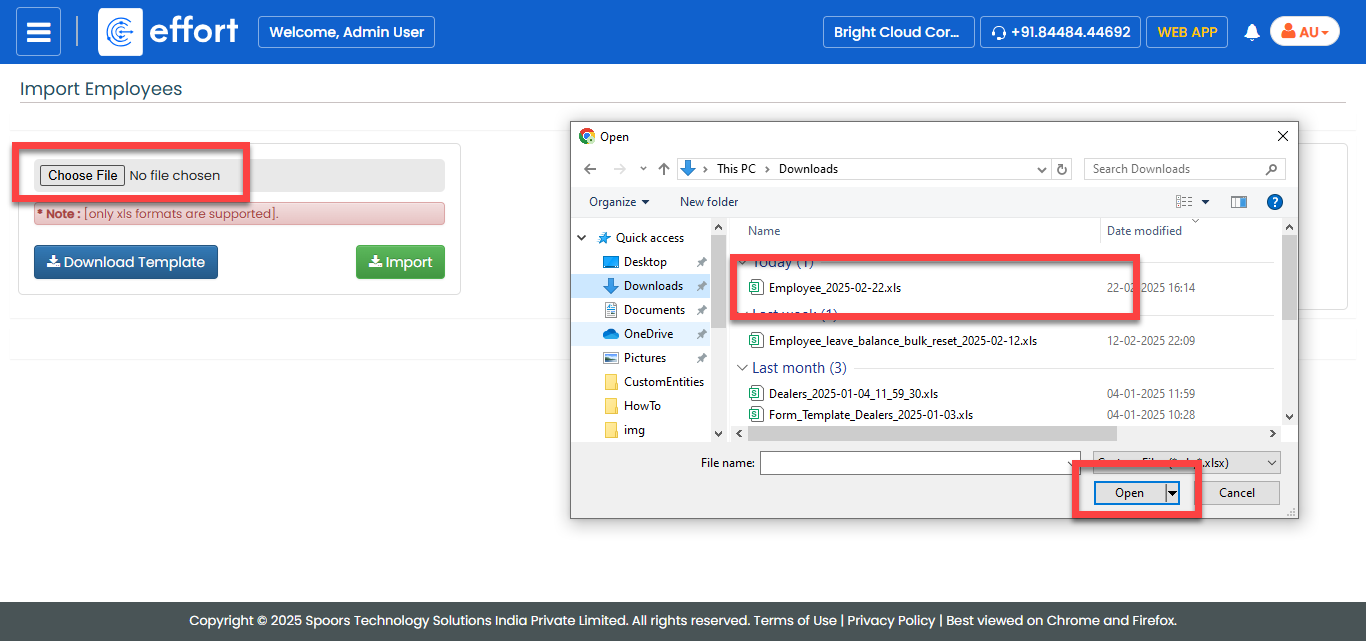
- Click Import.