

View Employee Performance Snapshot
To view the employee performance snapshot, follow the steps below:
-
Go to .
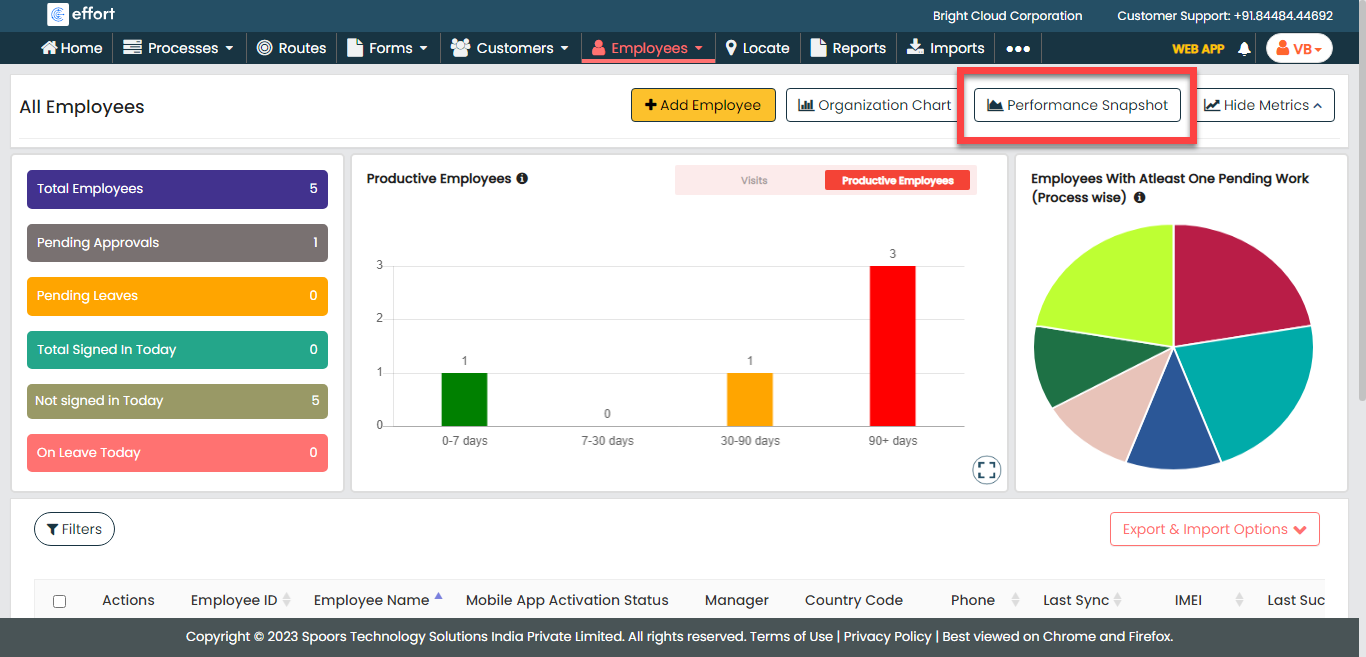
The Employees page appears.
-
Click the Performance Snapshot button.
The Customers Snapshot page appears.
- Optional:
Change the Date as per your requirement.

- Optional:
Apply filters as per your requirement.

The employee performance snapshot appears with the filtered records.