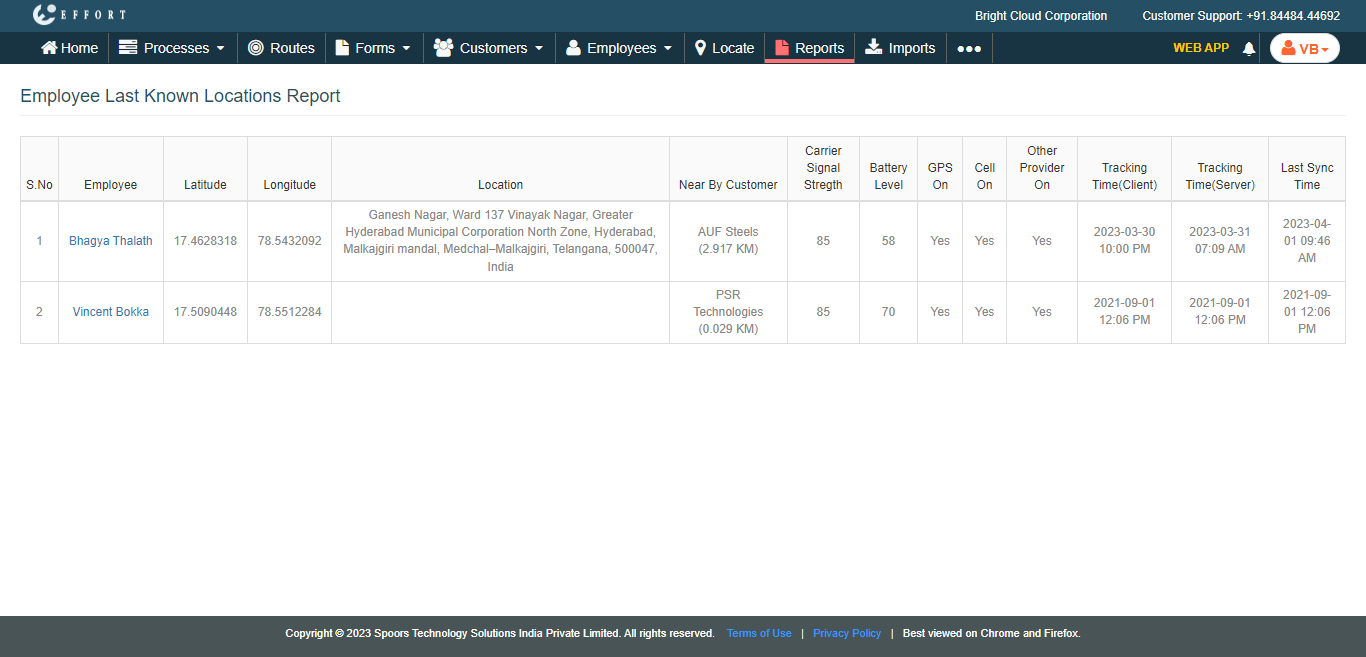
Generate Employees Last Known Locations Report
To generate the employees last known locations report, follow the steps below.
-
Go to .
The Reports page appears.
- Scroll down to the Location Reports section.
-
Click Employees Last Known Locations Report link or
icon

The Employee Last Known Locations Report page appears.
- Optional:
In Load report as, change the report format as per your
requirement.
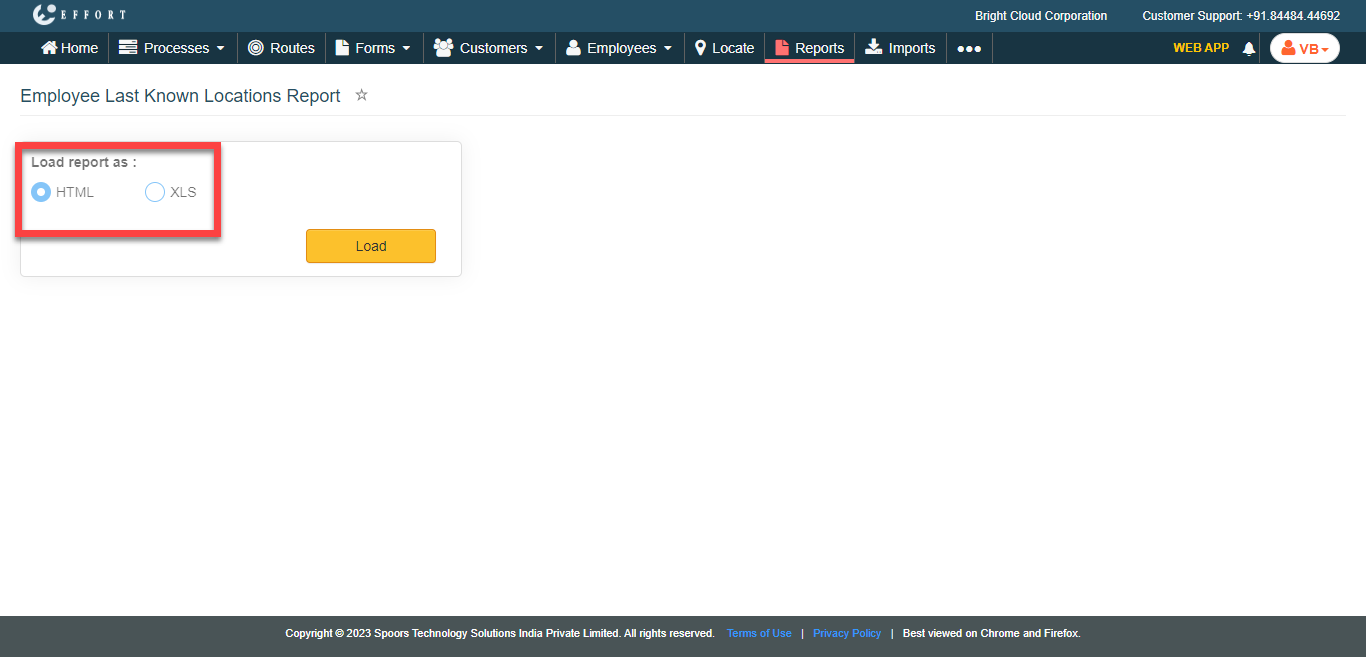
Load report as defaults to HTML. -
Click Load.
The Employee Last Known Locations Report is displayed depends on the report format.