

Enable Employee Leave Type Restriction
To enable employee leave type restriction, follow the steps below.
-
Go to .
The Employees page appears.
- Scroll down to the Permissions & Settings section.
-
Click the Leave Settings card.

-
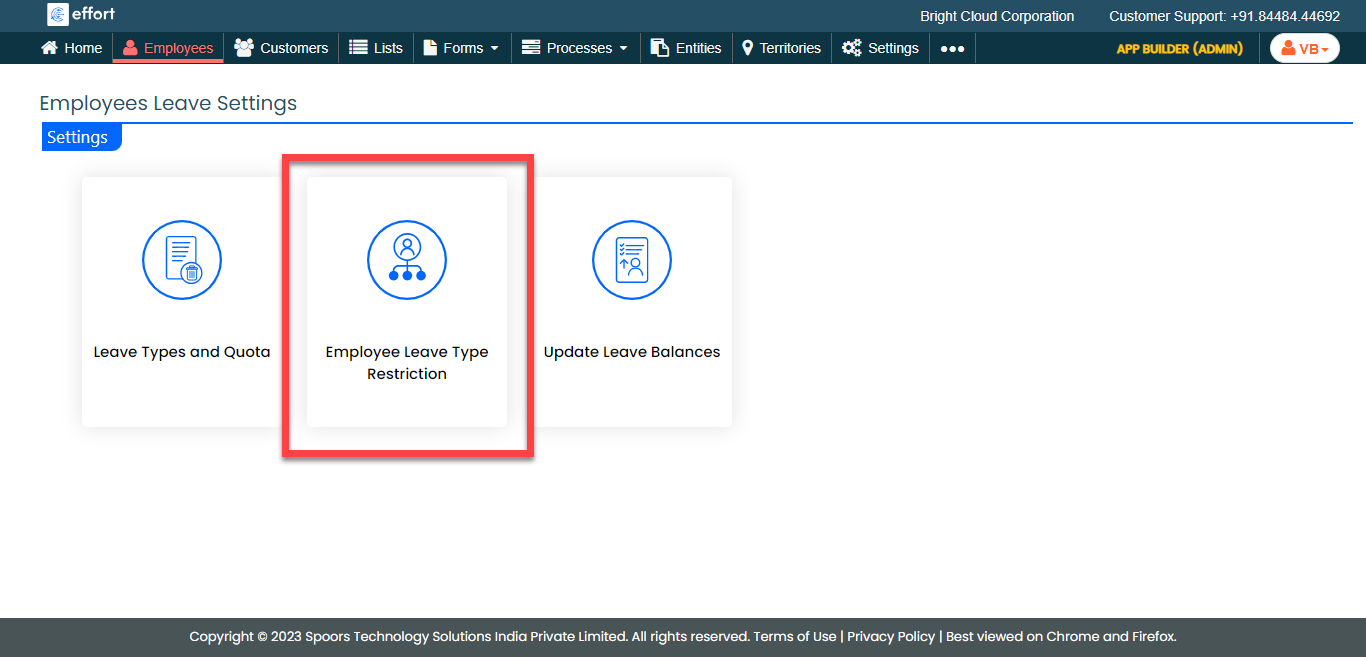
Click the Employee Leave Type Restriction card.
-
From the field, select leave types.
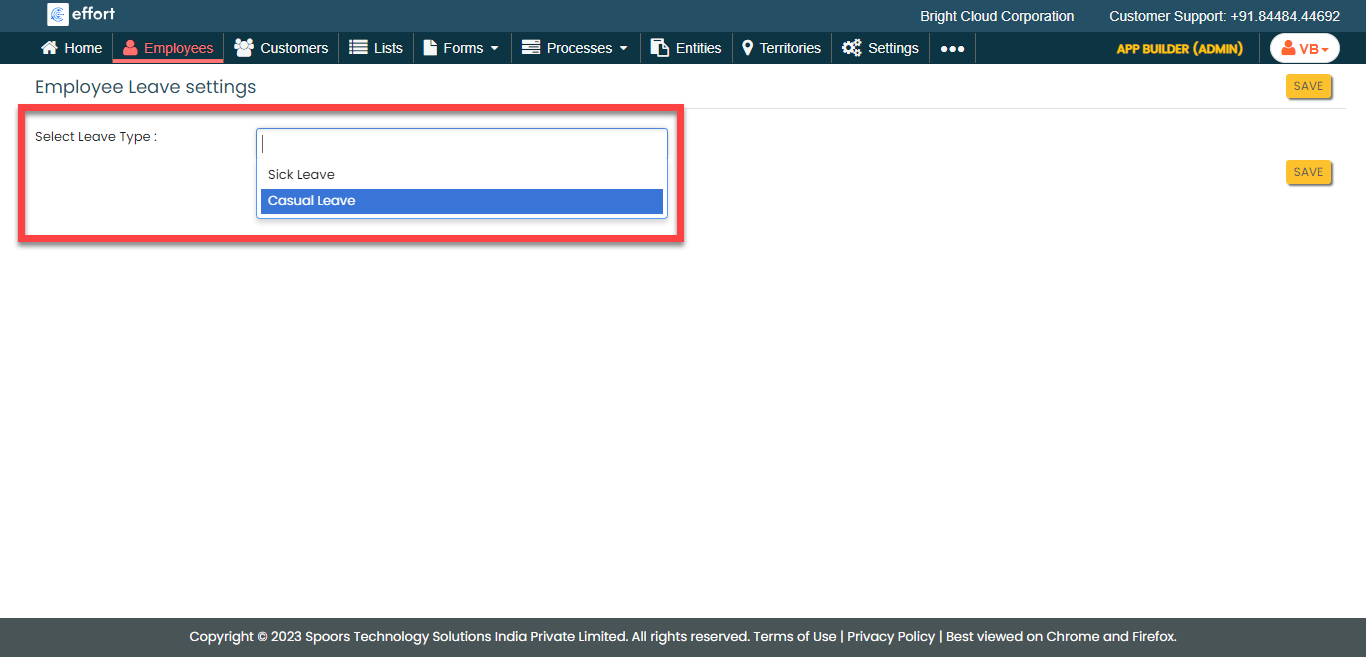
- Click Save.